
Published May 27, 2026 · 6 min read
Navigating the dynamic world of short-form video can feel like a high-speed chase, especially when you’re trying to master the nuances of a comprehensive YouTube Shorts vs Instagram Reels editing guide. Both platforms offer immense potential for audience growth and engagement, but their distinct characteristics demand tailored editing approaches. Understanding these differences isn’t just about technical know-how, it’s about crafting content that resonates with each platform’s unique audience and algorithmic preferences. At Motion Edges, we know that strategic editing is the key to unlocking your video’s full impact.
💡 While both YouTube Shorts and Instagram Reels thrive on short, vertical video, their core user intent and discovery mechanisms are fundamentally different. YouTube prioritizes watch time and search, while Instagram leans into social discovery and trends.
What are the Core Differences Between YouTube Shorts and Instagram Reels?
While both YouTube Shorts and Instagram Reels leverage vertical video for quick consumption, their primary distinctions lie in audience demographics, discovery algorithms, and monetization pathways. YouTube, a search-driven platform, often emphasizes evergreen content and creator partnerships, whereas Instagram focuses on trending audio, viral challenges, and social interaction within a community context.
Audience Demographics and Expectations
YouTube’s audience spans a broader age range and typically seeks informational, educational, or highly engaging entertainment content. Shorts viewers often transition from long-form YouTube content, implying a higher expectation for production quality and narrative coherence, even in short bursts. Instagram, however, skews younger and is highly trend-driven. Reels users are looking for quick, visually appealing content, often tied to current popular sounds or challenges. This difference profoundly impacts your approach to YouTube Shorts vs Instagram Reels editing guide strategies.
Algorithm and Discovery Mechanisms
The YouTube Shorts algorithm prioritizes watch time, completion rates, and user engagement, pushing content that keeps viewers hooked. It often surfaces Shorts based on a user’s broader YouTube viewing history, even if they haven’t explicitly searched for short-form content. Instagram Reels, conversely, heavily relies on trending audio, hashtags, and social signals like shares and saves. Content that quickly captures attention and encourages interaction is favored, often leading to rapid viral growth within specific niches. Understanding these mechanisms is crucial for tailoring your content.
Monetization and Creator Incentives
YouTube offers a Creator Fund for Shorts and integrates them into the broader YouTube Partner Program, allowing creators to earn revenue from ads watched between Shorts. This incentivizes sustained content creation and audience building over time. Instagram’s monetization for Reels has been more experimental, with various bonus programs and direct brand partnerships being primary avenues. This difference can influence your long-term content strategy and the types of videos you prioritize.
✅ Always research trending audio on both platforms before you start editing. Native platform tools often highlight what’s popular, giving your content a better chance at discovery.
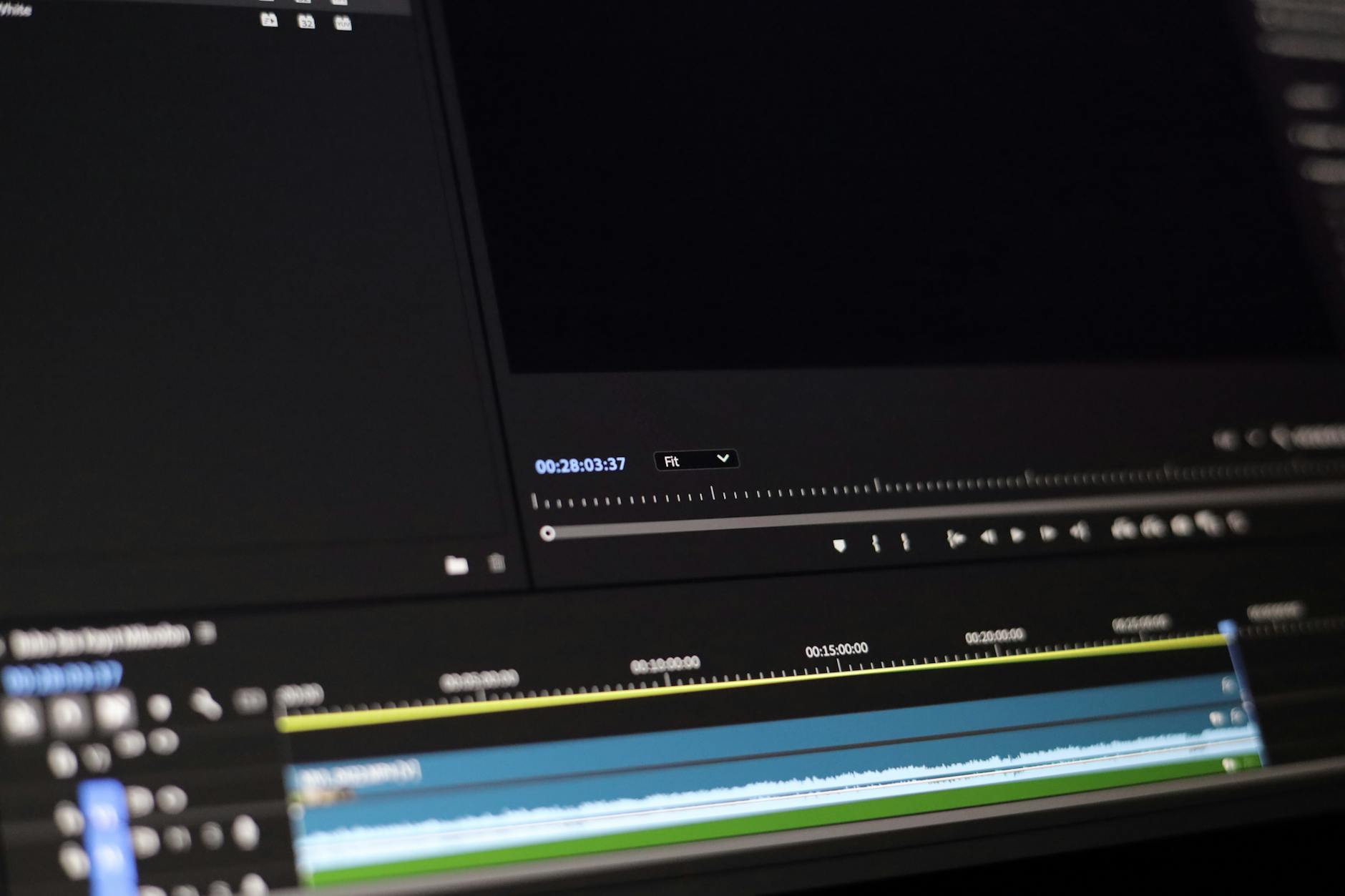
A video editor thoughtfully crafting engaging vertical video content for optimal platform performance.
What Are the Optimal Editing Strategies for YouTube Shorts?
Optimizing your editing for YouTube Shorts involves focusing on strong storytelling, clear calls to action, and seamless transitions to maximize viewer retention and watch time. Given YouTube’s emphasis on discoverability through search and related content, ensuring your Shorts deliver value quickly and succinctly is paramount.
Crafting Engaging Hooks and Retention
For YouTube Shorts, the first 1-3 seconds are critical. You need a powerful hook that immediately grabs attention and clearly communicates the video’s value or premise. Think about using intriguing questions, surprising visuals, or a clear statement of benefit. Since YouTube rewards watch time, focus on keeping viewers engaged throughout the entire video. This means concise scripting, dynamic cuts, and avoiding unnecessary pauses. Our team at Motion Edges often uses B-roll and graphics to maintain visual interest, even in talking-head style Shorts.
Audio and Text Overlay Best Practices
While trending audio can work, original, high-quality audio is often more impactful for YouTube Shorts, especially for educational or brand content. Ensure your voiceovers are clear and well-mixed. Text overlays should be used judiciously to highlight key points, provide context, or add subtitles, making your content accessible and digestible even without sound. Place text strategically to avoid covering important visual elements, keeping in mind the various UI elements of the Shorts player.
Integrating Long-Form Content
One of YouTube Shorts’ unique strengths is its ability to drive traffic to your longer videos. Edit Shorts to serve as teasers, highlights, or expanded thoughts from your main content. Include a clear call to action to “watch the full video” and utilize YouTube’s linking features within the Shorts player. This strategic integration is a powerful way to leverage your entire content library and build a loyal audience. Many clients who use our professional editing services find this cross-promotion incredibly effective.
⚠️ Don’t upload horizontal videos to YouTube Shorts. While the platform will convert them, it results in distracting black bars and a poor viewer experience, significantly reducing engagement.
How Do I Optimize My Editing Workflow for Instagram Reels?
Optimizing your editing workflow for Instagram Reels demands a focus on rapid production, leveraging trending elements, and designing for immediate social sharing. Reels thrive on quick trends, visually striking aesthetics, and content that fosters community interaction, making agile editing crucial for staying relevant.
Leveraging Trending Audio and Effects
The backbone of many viral Instagram Reels is trending audio. Dedicate time in your workflow to browse Instagram’s audio library for popular sounds and incorporate them creatively. Similarly, experiment with Instagram’s native effects and filters, which can give your Reels a distinct, on-trend look. While you can edit externally, understanding and integrating these in-app features can significantly boost your reach. Our video specialists are always tracking current trends to advise on the best approach.
Visual Pacing and Transitions for Virality
Instagram Reels viewers have incredibly short attention spans. Your editing should reflect this with fast pacing, quick cuts, and dynamic transitions. Aim for a “scroll-stopping” visual within the first second. Transitions should be seamless and contribute to the overall energy of the Reel, not distract from it. Consider using jump cuts, whip pans, or creative visual effects to maintain high energy and prevent viewers from swiping away. This is a key component of an effective YouTube Shorts vs Instagram Reels editing guide for social success.
Designing for Engagement and Interaction
Reels are inherently social. Edit your content to encourage comments, shares, and saves. This might involve posing a question, creating a mini-tutorial, or showcasing a relatable scenario. Use on-screen text to ask questions or provide context, and ensure your visuals are clear even on a small mobile screen. Adding a subtle call to action, like “Share your thoughts below!” can significantly boost interaction. For complex projects, our transparent pricing ensures you get top-tier editing that maximizes engagement.
| Feature | YouTube Shorts | Instagram Reels |
|---|---|---|
| Max Duration | 60 seconds | 90 seconds |
| Primary Discovery | Search, Subscription, Algorithm | Trending Audio, Hashtags, Explore Page |
| Audience Intent | Information, Entertainment, Long-form Teasers | Trends, Entertainment, Social Interaction |
| Monetization | Creator Fund, Ad Revenue | Bonus Programs, Brand Deals |
| Link Integration | Direct Links (e.g., to long-form video) | Link in Bio (indirect), Stickers |
Ready to Elevate Your Video Content?
Motion Edges delivers professional video editing that drives engagement and growth. Our dedicated editors learn your style and deliver consistently polished content.
Related Services from Motion Edges
- Talking Head Video Editing in New York — clean cuts, captions, and b-roll for YouTube creators
- Talking Head Video Editing in Miami — 48-hour delivery, professional results
- View All Video Editing Services