In today’s content-saturated world, simply recording a podcast isn’t enough. To truly capture and hold your audience’s attention, especially on platforms like YouTube, a video component is no longer a luxury,it’s a necessity. But transforming raw footage into a captivating visual story requires a keen eye and expert hand. That’s where understanding **podcast video editing best practices** comes in. It’s about more than just cutting clips; it’s about crafting an experience that resonates.
At Motion Edges, we’ve seen firsthand how a professionally edited video podcast can elevate a brand, attract new listeners, and foster deeper engagement. You’ve poured your passion into your content; now let’s ensure its visual presentation is just as compelling. We’re here to guide you through the essential techniques and workflows that will make your video podcast shine.
💡 Key Insight: A well-edited video podcast can increase watch time by up to 80% compared to audio-only, turning passive listeners into active, engaged viewers who share your content.
Laying the Visual Foundation: Pre-Production & Filming Smarts
Before you even hit record, the groundwork you lay in pre-production significantly impacts the ease and quality of your post-production. Think of it as setting your editor (whether that’s you or our team!) up for success. Good preparation minimizes headaches later on and is fundamental to implementing podcast video editing best practices.
Camera Setup: More Than Just Point and Shoot
For most video podcasts, a multi-camera setup is ideal. Why? Because it allows for dynamic cutting between speakers, showing reactions, and keeping the visual flow interesting. Even if you’re a solo host, having a wider shot and a closer shot can add production value.
- Two Cameras Minimum: Ideally, one wide shot capturing all participants and individual close-ups for each speaker.
- Consistent Angles: Position cameras to maintain similar eye lines and avoid awkward jumps during cuts.
- Manual Settings: Don’t rely on auto-focus or auto-exposure. Lock in your white balance, ISO, shutter speed, and aperture for a consistent look.
Lighting: It’s All About the Mood
Good lighting isn’t just for Hollywood. It makes your subjects look professional, vibrant, and prevents harsh shadows. A simple three-point lighting setup (key light, fill light, back light) can make a world of difference.
- Avoid Over-exposure: Ensure your subjects aren’t blown out by bright windows or lights.
- Soft & Diffused: Use diffusers or softboxes to create flattering light.
- Consistent Environment: Try to film in the same environment or with the same lighting setup for a cohesive look across episodes.
Audio is King (Even in Video)
This cannot be stressed enough: poor audio will make people click away faster than poor video. Invest in good microphones and ensure they’re positioned correctly.
- Dedicated Mics: Lavaliers or shotgun mics are far superior to in-camera audio.
- Room Acoustics: Minimize echo and background noise. Acoustic panels or even blankets can help.
- Sync Claps: A quick clap at the start of each take (or a clapper board) provides a clear audio spike for easy syncing in post-production.
⚠️ Common Mistake: Relying solely on your camera’s built-in microphone. This is almost always a recipe for muddy, echoey audio that will deter even your most loyal listeners.
Essential Editing Techniques for Engaging Podcasts
Once you’ve got your footage, the real magic begins. This is where the core **podcast video editing best practices** come into play. It’s about transforming hours of raw material into a polished, watchable experience. Our team at Motion Edges excels in these precise techniques to ensure your message hits home.
Multi-Camera Editing & Seamless Transitions
The art of multi-camera editing lies in knowing when to cut. You want to follow the conversation naturally, highlighting who’s speaking, who’s reacting, and adding visual interest.
- Cut on Dialogue: Switch to the speaker when they begin talking.
- Cut on Reaction: Show a listener’s reaction to a point being made.
- Vary Shot Lengths: Don’t stay on one shot for too long, but also avoid jarring, rapid cuts.
Integrating B-Roll & Visual Enhancements
B-roll isn’t just for documentaries. For podcasts, it can be images, video clips, or even motion graphics that illustrate a point being discussed. This keeps viewers engaged, especially during longer explanations or when a speaker isn’t visually expressive.
- Contextual B-Roll: Use clips that directly relate to the topic.
- Lower Thirds: Introduce speakers, display key terms, or provide social media handles.
- Motion Graphics: Animated intros, outros, and transitions add a professional, branded touch. These are areas where our professional editing services truly shine, crafting custom elements that elevate your brand.
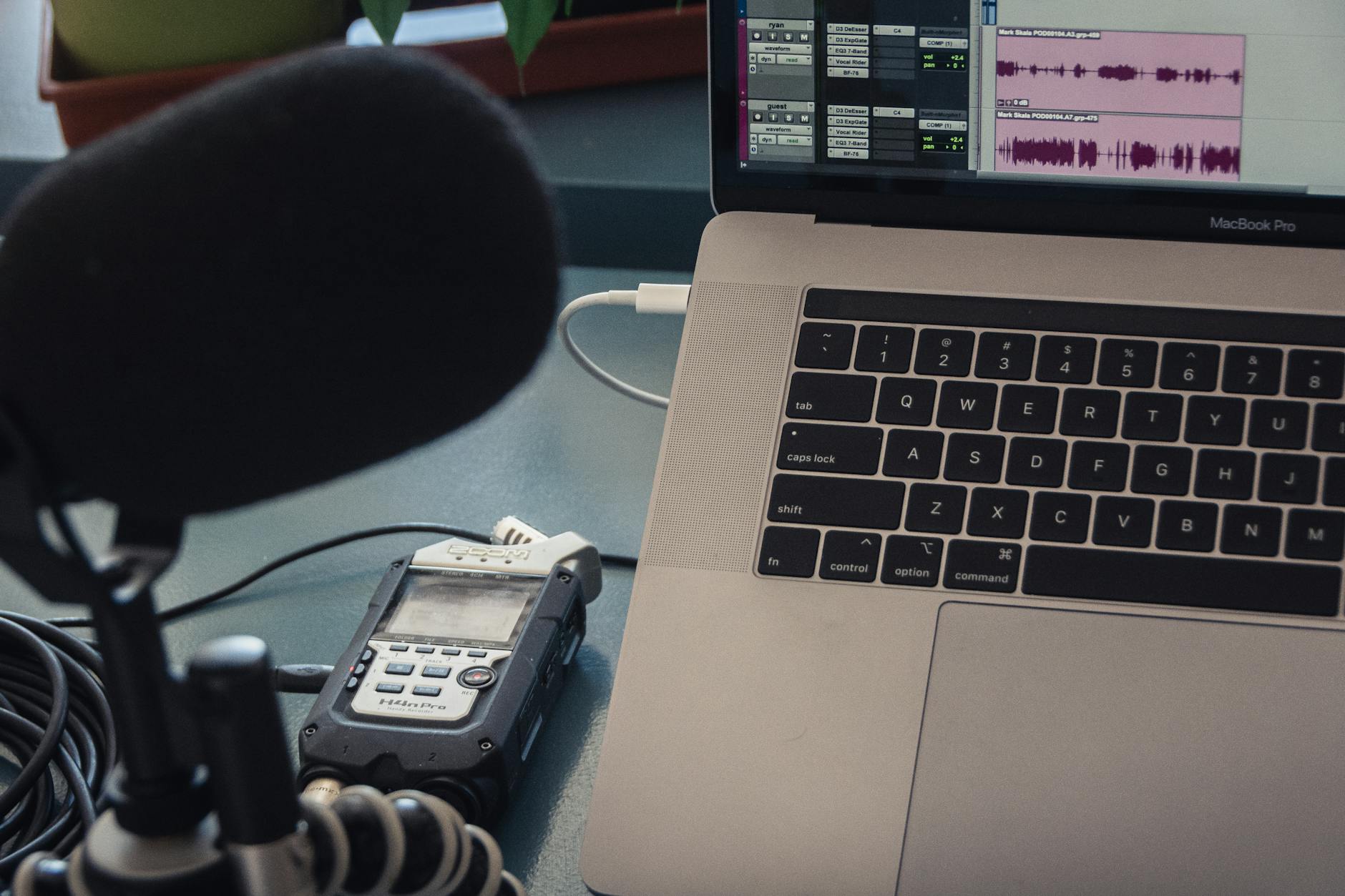
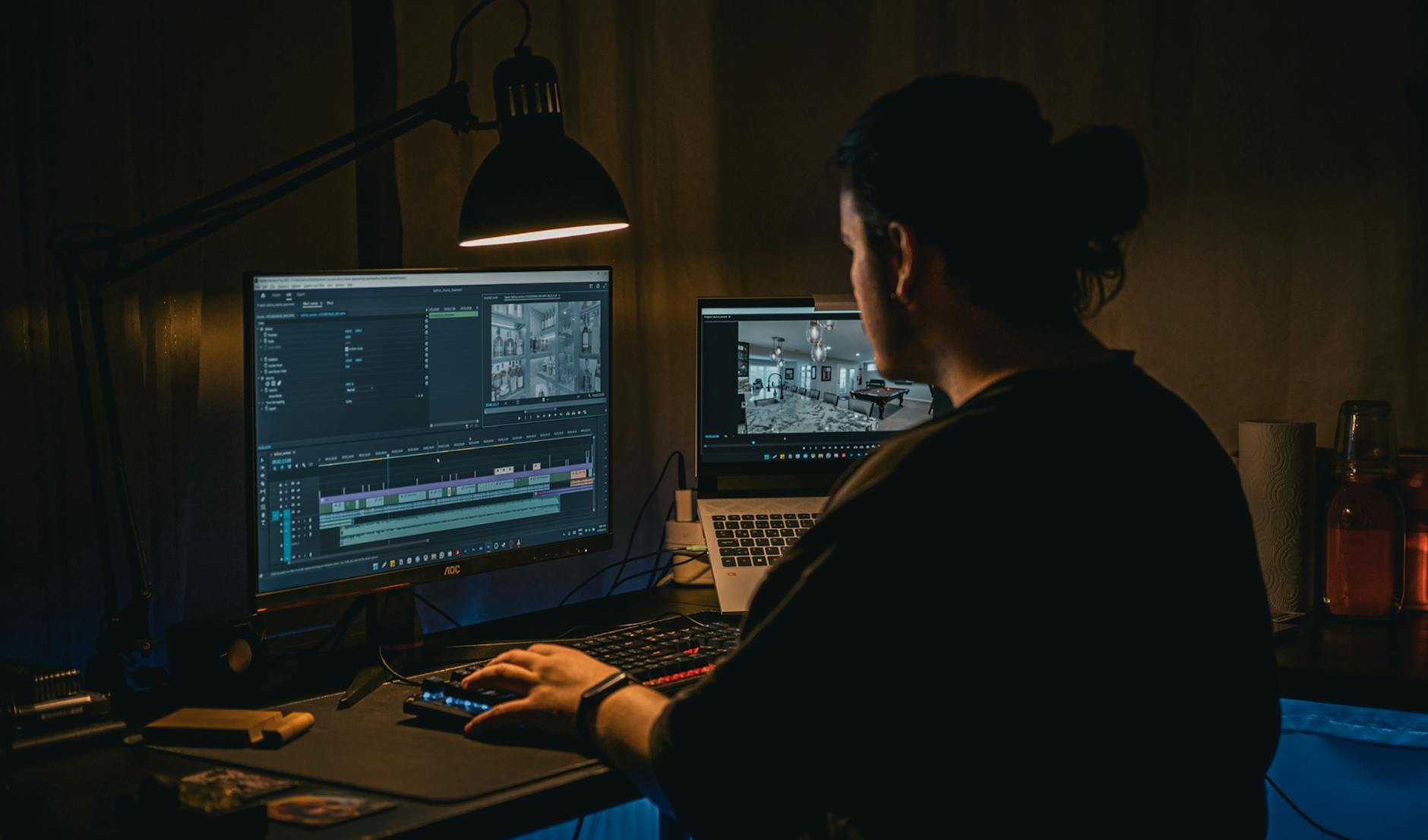
A multi-camera setup allows for dynamic cuts, showing different speakers or reactions, which greatly enhances viewer engagement in video podcasts.
✅ Pro Tip: Use jump cuts judiciously to remove pauses or stutters. While they can be jarring if overused, when done smoothly, they keep the pace lively and eliminate dead air.
Mastering Audio & Visual Polish: The Details That Matter
The difference between a good video podcast and a great one often lies in the post-production polish. This includes refining both your audio and visual elements to create a cohesive, professional final product.
Audio Post-Production: Cleaning Up Your Sound
Even with great recording, audio often needs a little love in post-production. This is crucial for a comfortable listening experience.
- Noise Reduction: Remove hums, hisses, or background chatter.
- EQ & Compression: Balance frequencies and level out volume inconsistencies for a rich, clear sound.
- Music & Sound Effects: Add intro/outro music and subtle sound effects to enhance transitions or emphasize points, ensuring they complement, not overpower, the dialogue.
Color Grading & Correction: Setting the Visual Tone
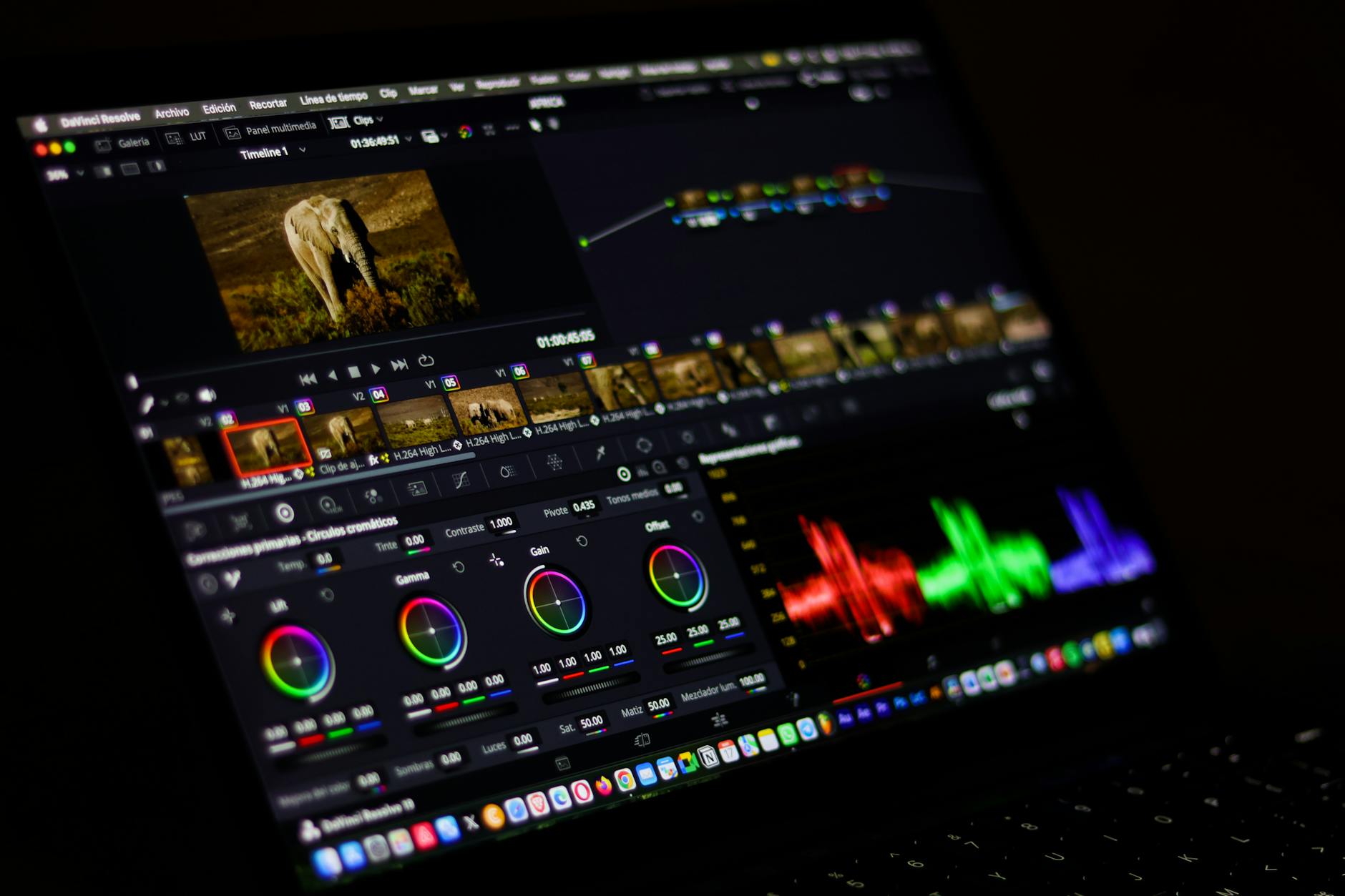
Color is a powerful tool for conveying mood and professionalism. Consistent color grading across your episodes creates a recognizable brand identity.
- White Balance: Correct any color casts to ensure natural-looking skin tones.
- Exposure: Adjust brightness and contrast so your video isn’t too dark or too bright.
- Stylistic Grading: Apply a consistent look (e.g., warm, cool, vibrant) that aligns with your podcast’s brand.
| Aspect | Amateur Approach | Motion Edges’ Best Practice |
|---|---|---|
| Audio Quality | Inconsistent volume, background noise, echo. | Clean, balanced levels, noise reduction, consistent clarity. |
| Visual Flow | Static shots, awkward cuts, no b-roll. | Dynamic multi-cam edits, relevant b-roll, smooth transitions. |
| Color & Light | Uneven lighting, inconsistent white balance, dull colors. | Professionally lit, consistent color grading, vibrant visuals. |
| Graphics | Basic text overlays, no branding. | Custom lower thirds, animated intros/outros, branded elements. |
Want to see the difference professional polish makes? Take a look at our portfolio to understand the impact of high-quality video editing.
Streamlining Your Workflow & Post-Production Efficiency
Efficiency is key, especially when you’re producing regular content. A well-organized workflow not only saves time but also ensures consistency and reduces errors. These are the **podcast video editing best practices** that keep projects on track.
Organizing Your Project Files
Before you even open your editing software, establish a clear folder structure. This is a simple step that pays huge dividends.
- Dedicated Folders: Create folders for raw footage, audio, graphics, music, and project files.
- Consistent Naming: Use a logical naming convention (e.g., `Episode_01_Host_Cam1`, `Episode_01_Audio_Mix`).
- Backup Regularly: Seriously, back up your project files and raw media!
The Editing Workflow in Action
A structured approach to editing helps maintain focus and ensures all critical steps are covered.
- Sync Media. Import all camera footage and audio tracks into your editing software. Use audio waveforms or clapper marks to precisely sync everything.
- First Pass & Rough Cut. Watch through the entire podcast. Cut out long pauses, stutters, and unnecessary tangents. Create a linear story.
- Multi-Cam Editing. Switch between camera angles to follow the conversation, ensuring smooth transitions and visual variety.
- Integrate B-Roll & Graphics. Add relevant b-roll footage, lower thirds, titles, and other visual enhancements to illustrate points and keep viewers engaged.
- Audio Sweetening. Clean up audio, remove noise, adjust levels, apply EQ and compression, and add music/sound effects.
- Color Correction & Grading. Ensure consistent white balance, exposure, and apply a stylistic color grade.
- Review & Export. Watch the entire episode, check for errors, and export in the appropriate formats for your chosen platforms.
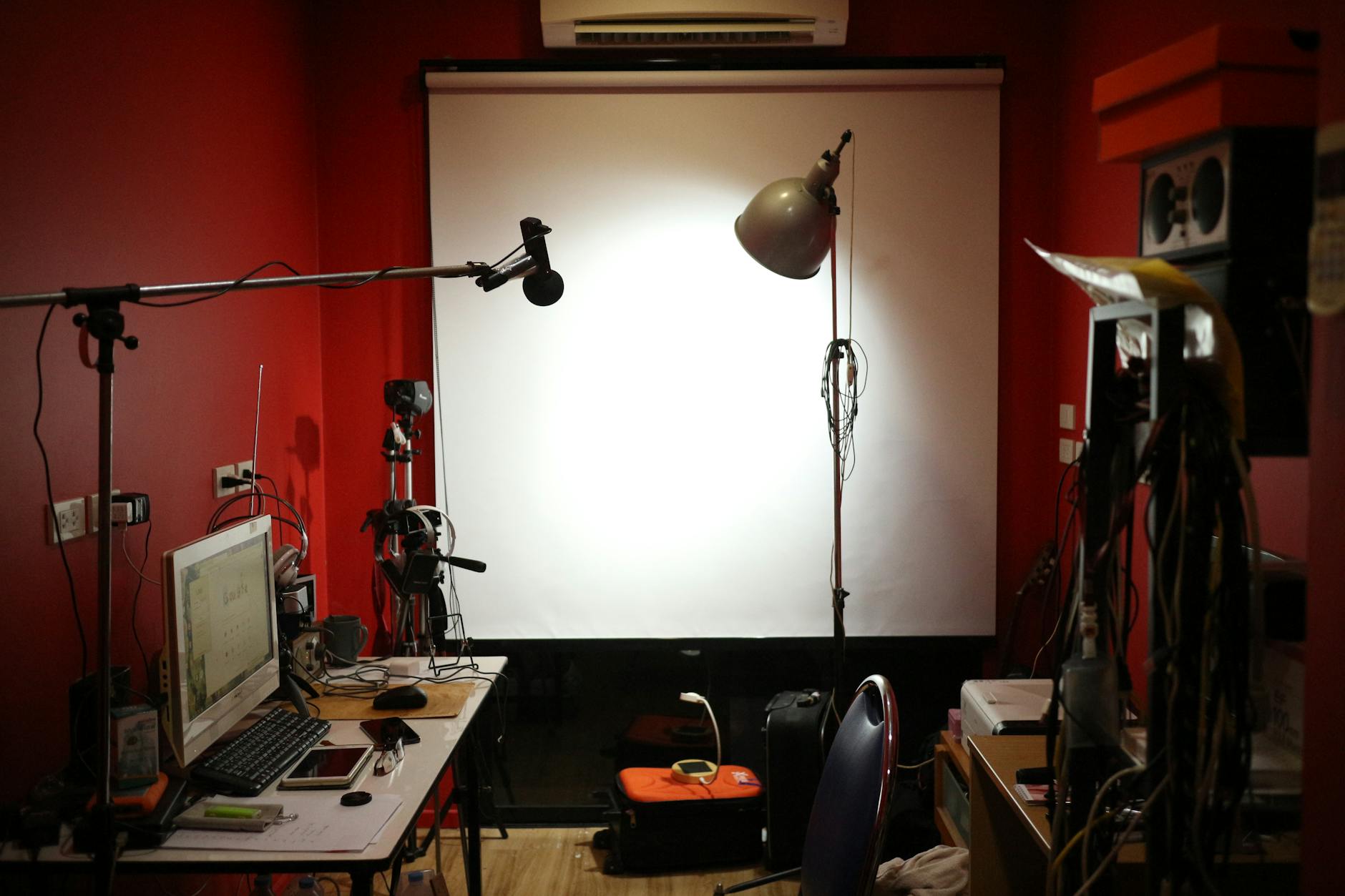
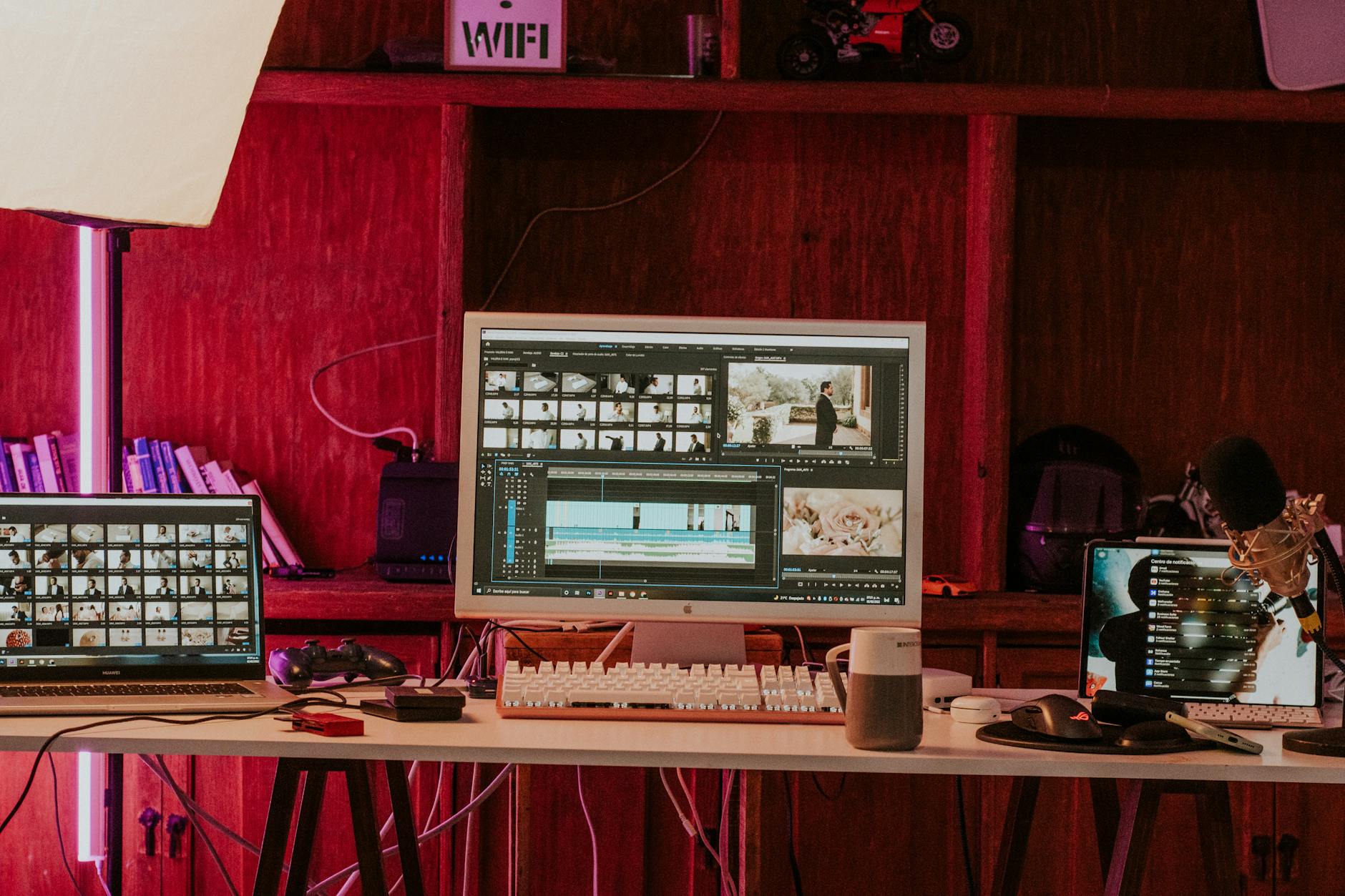
A structured editing workflow, from syncing media to final export, ensures efficiency and consistency in your video podcast production.
Understanding these steps is vital, but executing them takes time and skill. If you’re looking for professional support, we offer transparent pricing and packages designed to fit your podcasting needs.
Distribution & Repurposing for Maximum Reach
Your work isn’t done once the editing is complete. Maximizing your podcast’s reach involves smart distribution and repurposing strategies. This final stage is just as important as the initial **podcast video editing best practices** in growing your audience.
Optimizing for Different Platforms
Each platform has its quirks. YouTube is ideal for long-form video, while TikTok and Instagram thrive on short, punchy clips.
- YouTube: High-quality full episodes, use strong thumbnails and descriptions.
- Social Media: Create short, engaging highlight clips (15-60 seconds) with captions. Vertical formats often work best here.
- Audio-Only: Don’t forget to strip the audio for traditional podcast platforms like Spotify and Apple Podcasts.
Creating Snackable Content
The beauty of a video podcast is the wealth of content you can extract from a single episode. Don’t just publish the full video and walk away!
- Quote Cards: Turn powerful quotes into shareable image or short video graphics.
- Highlight Reels: Compile the best moments into a short trailer for the episode or channel.
- Behind-the-Scenes: Share quick clips of your recording process to build connection with your audience.
Repurposing content effectively can be time-consuming, but it’s a powerful way to expand your audience without creating entirely new content. If you need help with this, get in touch with our team; we’re experts in maximizing content value.
How long should a video podcast episode be?
The ideal length depends on your content and audience. For YouTube, longer videos (20-60 minutes) often perform well, as long as they maintain engagement. For social media, extract short, punchy clips (15-90 seconds). Focus on quality and value over a specific time limit.
Do I need expensive gear for good podcast video?
Not necessarily. While high-end gear helps, you can start with a good smartphone, a decent external microphone, and some basic lighting. The key is consistent quality and mastering your editing techniques. Many of the podcast video editing best practices focus on technique, not just equipment.
What’s the most important aspect of podcast video editing?
Audio quality is paramount. Even with stunning visuals, poor audio will quickly turn viewers away. Following that, dynamic multi-camera editing and the strategic use of b-roll and graphics are crucial for maintaining visual engagement.
Should I add captions to my podcast videos?
Absolutely! Captions (or subtitles) are a **podcast video editing best practice** for accessibility, engagement, and reach. They allow people to watch in sound-off environments, improve comprehension, and can even boost SEO. Many platforms offer auto-captioning, but professional captions are always recommended for accuracy.
How can Motion Edges help with my podcast video editing?
Our team provides end-to-end professional video editing services, from multi-camera syncing and audio sweetening to motion graphics, color grading, and creating repurposed clips for social media. We help you implement all these best practices, saving you time and ensuring your podcast looks and sounds professional.
Elevate Your Podcast with Professional Video Editing
The world of podcasting is evolving, and video is now an indispensable part of connecting with your audience. Implementing **podcast video editing best practices** isn’t just about making your content look good; it’s about making it more engaging, more accessible, and ultimately, more impactful. From meticulous pre-production planning to dynamic multi-camera edits, crystal-clear audio, and strategic repurposing, every step plays a vital role in your show’s success.
Don’t let the technicalities of video editing hold your podcast back. At Motion Edges, we’re passionate about bringing your vision to life and ensuring your message resonates visually as powerfully as it does audibly. Let us handle the heavy lifting so you can focus on what you do best: creating incredible content. Ready to transform your podcast into a visual powerhouse? We’re here to help.
Ready to Elevate Your Video Content?
Motion Edges delivers professional video editing that drives engagement and growth. Our dedicated editors learn your style and deliver consistently polished content.