
Running a YouTube channel takes more time than most creators expect. Between scripting, filming, editing, and promoting, you’re looking at 10 to 20 hours per video. That’s why smart creators outsource video editing for YouTube channel content to professional editors. This guide covers everything you need to know about finding the right editor, setting up workflows, and scaling your channel without burning out.
Why Creators Outsource Video Editing for YouTube Channel Growth
The math is simple. If editing takes you 8 hours per video and you want to post twice a week, that’s 64 hours monthly just on editing. Most full-time jobs only require 160 hours monthly. You’re essentially working a half-time job on editing alone.
💡 Professional YouTube editors work faster because they do this all day, every day. What takes you 8 hours might take them 3 or 4.
They also bring fresh perspectives to your content and know current editing trends that keep viewers watching.
Here’s what outsourcing actually frees up time for:
- Creating more content and expanding to new platforms
- Building relationships with brands and sponsors
- Engaging with your community and responding to comments
- Developing new content ideas and planning your strategy
- Taking breaks without your upload schedule suffering
The creators hitting 100K, 500K, and 1M subscribers almost always have editing help. It’s not about being lazy. It’s about focusing your energy where it matters most.
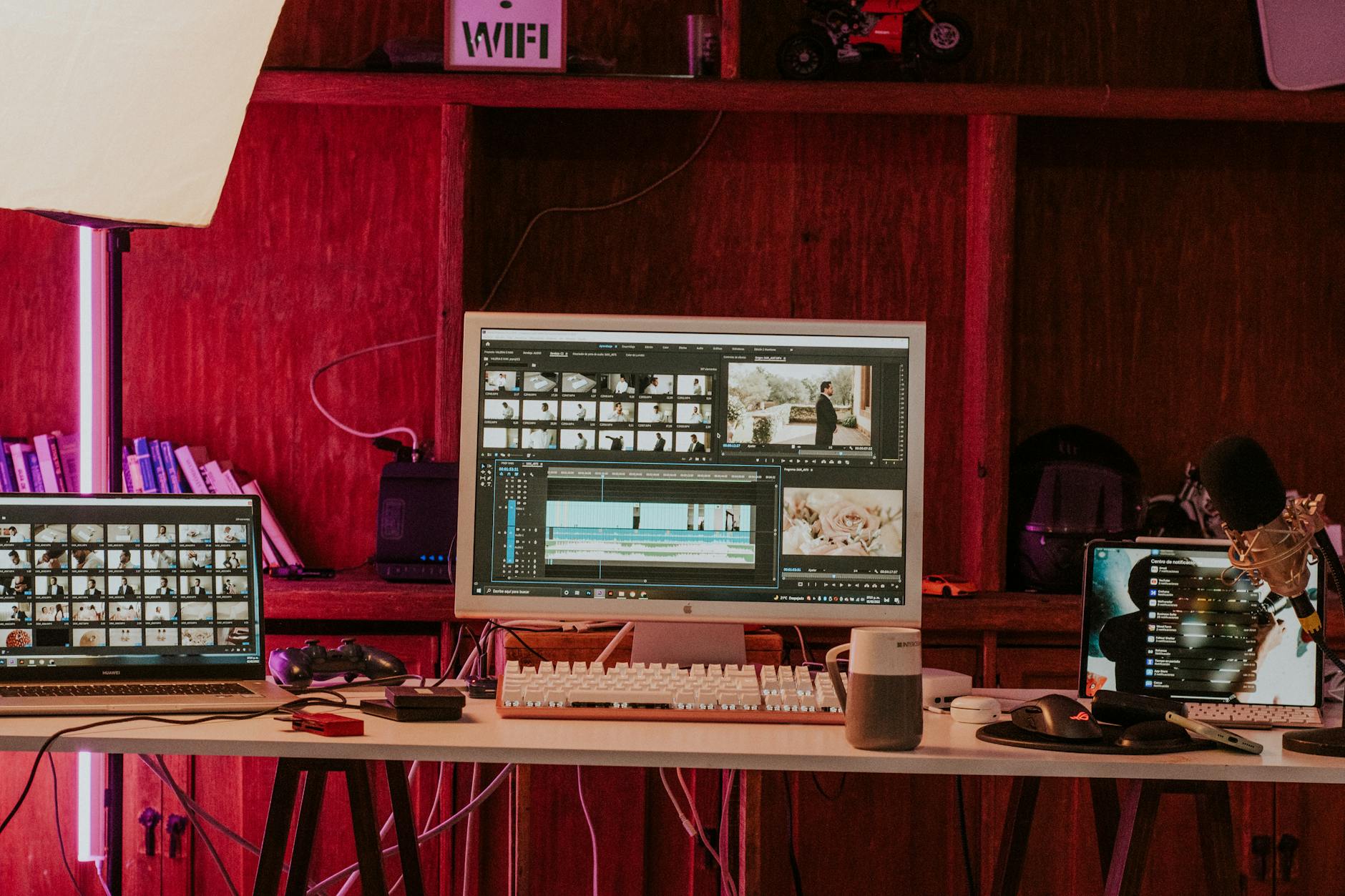
A professional video editing workspace featuring monitors, keyboard, and microphones in a studio setting.
When Is the Right Time to Start Outsourcing?
There’s no magic subscriber count or revenue number that signals you’re ready. The real indicators are different for everyone.
Signs You Should Seriously Consider It
Your upload schedule is slipping because you can’t keep up. You’re spending more time editing than creating. Burnout is creeping in, and you dread opening your editing software. Your channel revenue or sponsorship income could cover the editing costs.
✅ Some creators start outsourcing at 1,000 subscribers because they value their time. Others wait until 50,000 because they enjoy the editing process. Both approaches are valid.
The Financial Tipping Point
Calculate your effective hourly rate from your channel. If you make $500 monthly and spend 40 hours on content, you’re earning $12.50 per hour. If an editor costs $50 per video and saves you 8 hours, you’re paying $6.25 per hour for that time back.
Even if you’re not profitable yet, consider what else you could do with those hours. A part-time job, freelance work, or building a second income stream might generate more than the editing costs.
| Monthly Revenue | Hours Spent | Your Hourly Rate | Outsourcing Makes Sense? |
|---|---|---|---|
| $500 | 40 hours | $12.50/hr | Consider it |
| $1,000 | 40 hours | $25/hr | Strong yes |
| $2,500 | 40 hours | $62.50/hr | Definitely |
| $5,000+ | 40 hours | $125+/hr | Essential |
Where to Find Quality YouTube Video Editors
Not all editors understand YouTube specifically. A wedding videographer or corporate editor might create beautiful work that completely misses what makes YouTube content perform well.
Freelance Platforms
Upwork, Fiverr, and Freelancer have thousands of video editors. The challenge is filtering through them. Look for editors who specifically mention YouTube in their profiles and show examples of content similar to yours.
Expect to pay $15 to $75 per video on budget platforms, depending on length and complexity. Quality varies wildly, so always request a paid test edit before committing to ongoing work.
Video Editing Agencies
Agencies like Motion Edges offer more reliability than individual freelancers. You get consistent quality, backup editors if someone is unavailable, and established workflows. Agencies typically cost more but save time on management and reduce the risk of missed deadlines.
💡 The agency model works especially well for creators posting multiple times per week who can’t afford inconsistency.
Social Media and Communities
Twitter, Reddit, and Discord communities often have editors looking for work. The r/YouTubers and r/PartneredYouTube subreddits regularly have editors posting their portfolios. You can also find editors through creator groups on Facebook.
The advantage here is finding someone who already watches and enjoys your content style. The disadvantage is less formal protection if things go wrong.

Young woman vlogging outdoors, seated with laptop and camera setup on tripod.
How to Evaluate and Test Potential Editors
Never hire an editor based solely on their demo reel. Those showcase their absolute best work, often from months or years ago.
What to Look for in Portfolios
Ask for recent YouTube work, specifically from the last three months. Check if those videos have good retention by looking at the view counts relative to subscriber counts. Watch the first 30 seconds closely since that’s where most viewers drop off.
Pay attention to pacing, audio quality, and how well they use text and graphics. These details separate hobbyist editors from professionals.
Running a Paid Test Edit
⚠️ Always pay for test edits. Free tests attract desperate editors and often result in rushed work that doesn’t represent their actual quality.
Offer your normal per-video rate for a single test.
Provide your raw footage, a brief outline of what you want, and any reference videos showing your style. Give them reasonable time, usually 3 to 5 days for a 10 to 15 minute video.
Evaluate the test on turnaround time, communication, how well they followed directions, and whether the edit feels like your channel.
Setting Up an Efficient Outsourcing Workflow
The difference between successful outsourcing and frustrating outsourcing usually comes down to systems, not talent.
Creating Clear Style Guides
Document everything about your editing style. Include font choices, color preferences, music sources, transition types, and pacing guidelines.
- Record a video walking through your favorite edits and explaining what you love about them
- Create a shared folder with approved music tracks, sound effects, and graphics
- Document your intro/outro sequences with exact timing requirements
- List your preferences for text animations, lower thirds, and call-to-action overlays
- Include examples of edits you dislike and explain why they do not fit your brand
✅ The more detailed your style guide, the fewer revision rounds you will need and the faster your editor will nail your exact vision.
Work with Motion Edges
Stop spending hours on editing and start focusing on growing your channel. Our YouTube-specialized editors deliver consistent, high-quality videos that match your style perfectly.

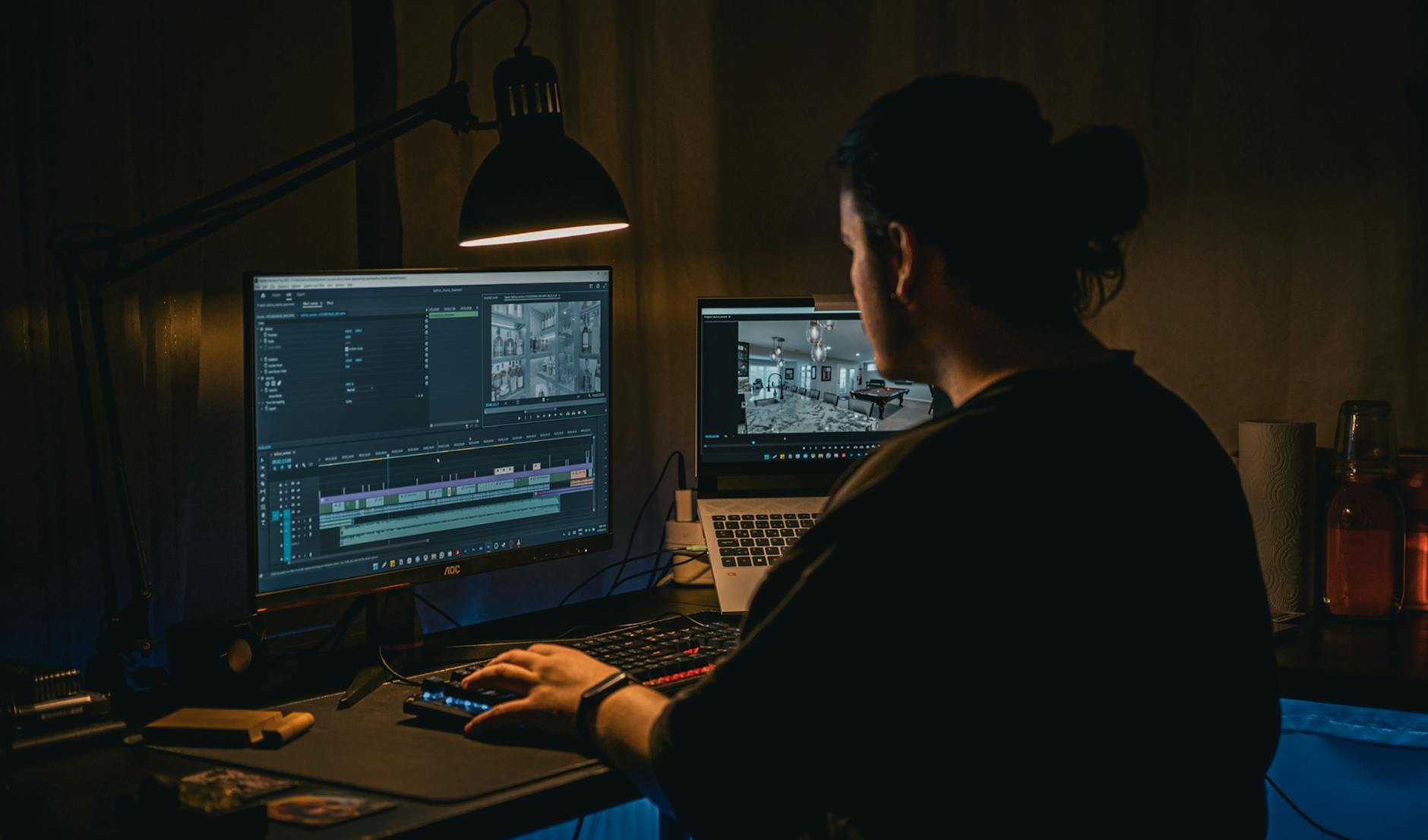
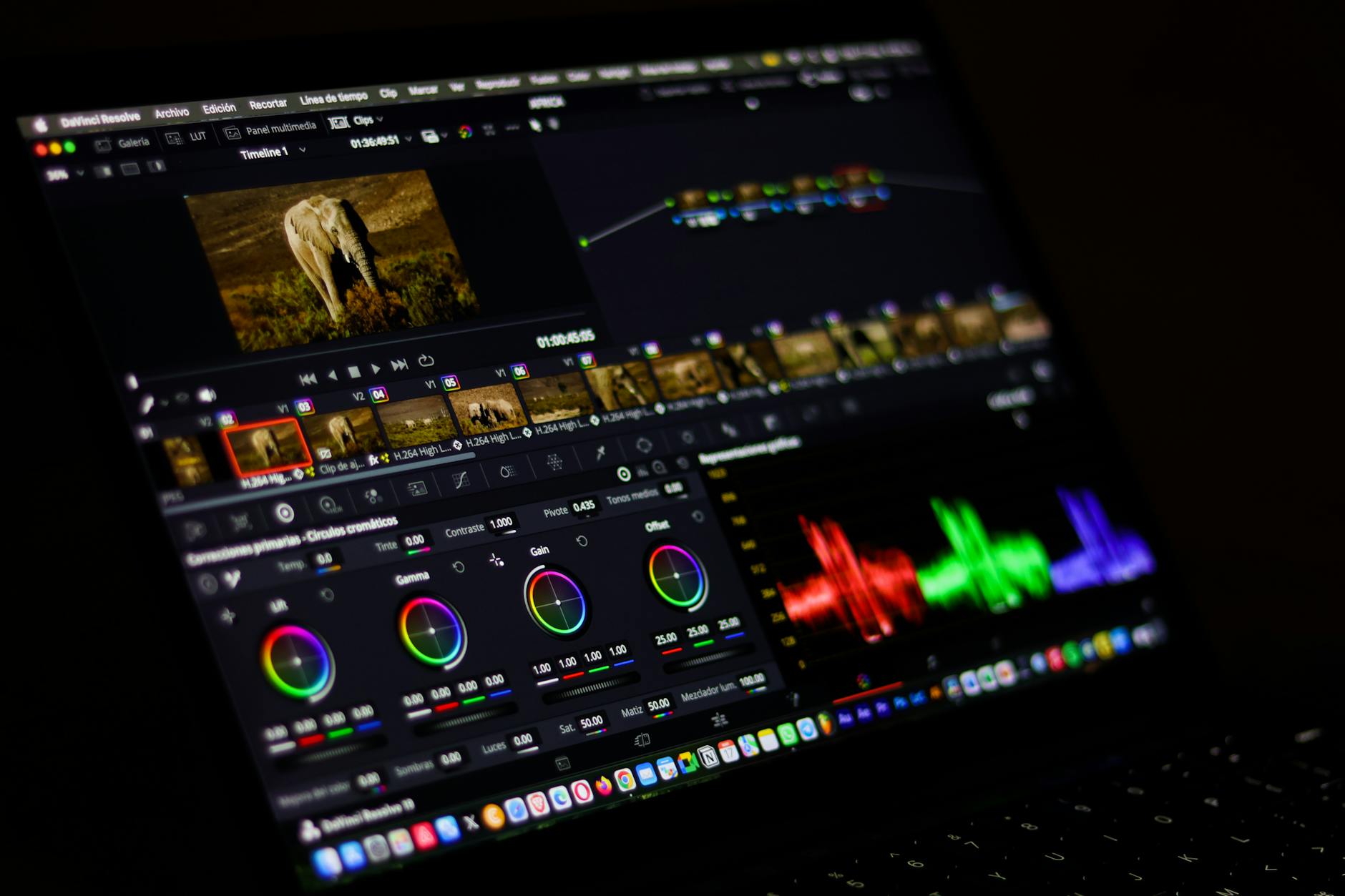
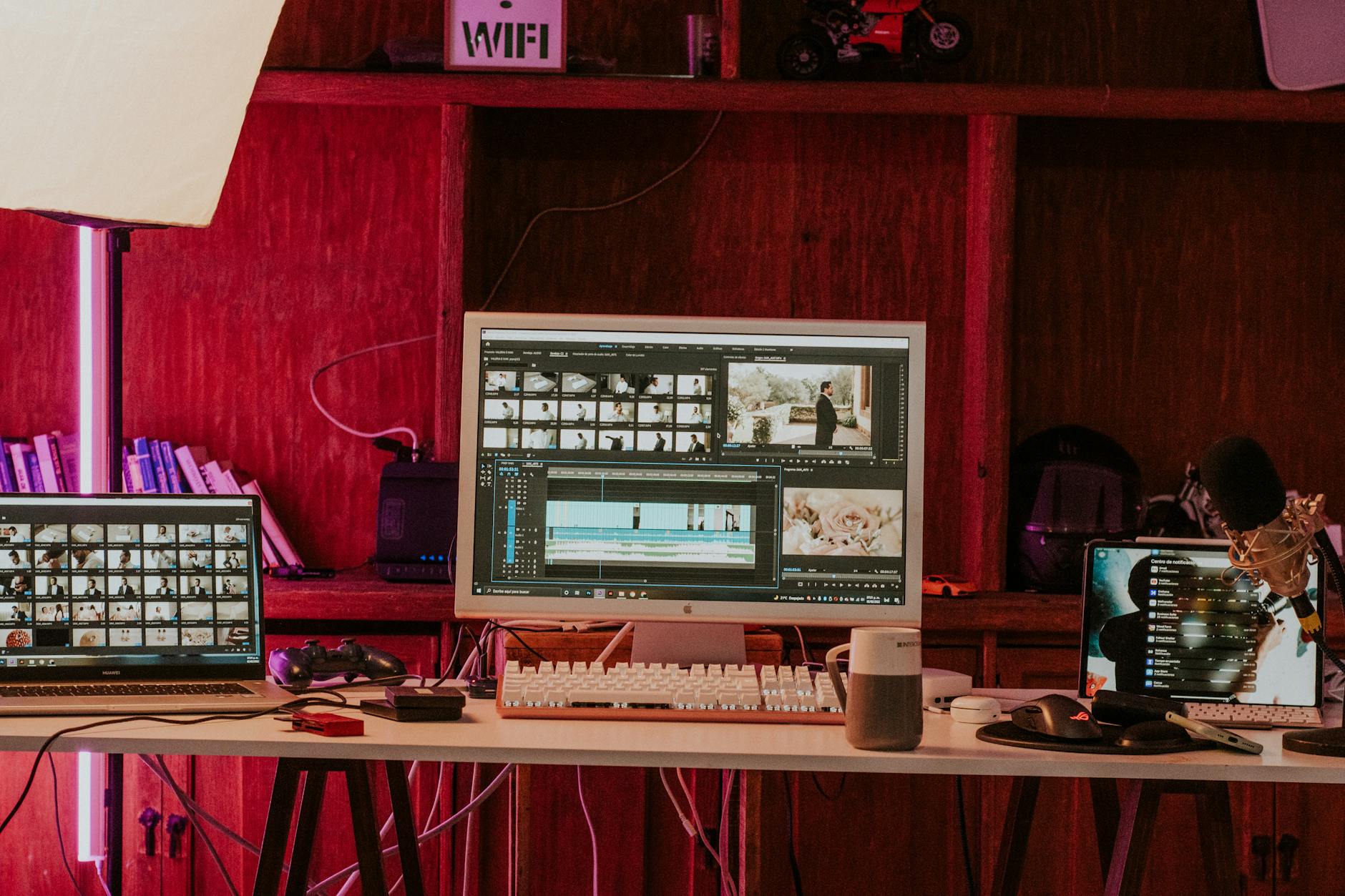
Related Services from Motion Edges
- Talking Head Video Editing in Miami — clean cuts, captions, and b-roll for YouTube creators
- Talking Head Video Editing in Houston — 48-hour delivery, professional results
- View All Video Editing Services