
- What Are the Essential Steps to Edit Fitness and Workout Videos Effectively?
- Which Tools and Software Are Best for Editing Fitness Video Content?
- How Can You Optimize Pacing and Energy in Workout Video Edits?
- What Advanced Techniques Elevate Fitness Videos from Good to Great?
- Why Should You Consider Professional Help for Editing Your Fitness Videos?
In today’s digital landscape, knowing how to edit fitness and workout videos effectively isn’t just a skill; it’s a necessity for trainers, influencers, and brands looking to inspire and connect with their audience. High-quality video content is crucial for demonstrating exercises, showcasing routines, and building a loyal community. Poorly edited videos can quickly lose viewer interest, but with the right techniques, your content can stand out, drive engagement, and even boost conversions. At Motion Edges, we understand the nuances of creating impactful visual stories, especially in the dynamic fitness niche.
💡 Did you know that viewers are 85% more likely to purchase a product after watching a video about it? For fitness content, this translates directly to class sign-ups, program purchases, and brand loyalty.
What Are the Essential Steps to Edit Fitness and Workout Videos Effectively?
To edit fitness and workout videos effectively, you must follow a structured post-production workflow that includes careful planning, precise trimming, dynamic pacing, thoughtful music selection, clear on-screen text, and consistent color grading. This systematic approach ensures your final video is polished, engaging, and delivers its message with maximum impact, captivating your audience from start to finish.
Editing fitness content is more than just cutting clips together; it’s about crafting a narrative that motivates and educates. Our team at Motion Edges follows a comprehensive process to ensure every project, whether it’s a high-intensity interval training (HIIT) session or a mindful yoga flow, receives meticulous attention to detail. Here’s a breakdown of the core steps:
- Review and Organize Footage. Before any cuts, watch all your raw footage. Label clips, identify the best takes, and create a logical sequence. This pre-editing step saves immense time and helps visualize the final product.
- Rough Cut Assembly. Start by assembling the primary narrative. This involves placing your best performance clips in order, focusing on the flow of the workout. Don’t worry about perfection yet; focus on getting the story down.
- Precise Trimming and Pacing. This is where the magic happens. Trim clips to remove dead space, awkward pauses, or mistakes. For fitness videos, pacing is paramount. Keep the energy high with quick cuts for intense moments and slightly longer takes for instructional segments.
- Audio Syncing and Enhancement. Sync any external audio, like voiceovers or separate music tracks. Clean up background noise, adjust volume levels for consistency, and apply compression or EQ to make dialogue clear and impactful.
- Music Selection and Integration. Choose royalty-free music that matches the energy and mood of your workout. Sync key movements or transitions to the beat of the music to create a powerful, immersive experience.
- Graphics and Text Overlays. Add on-screen text for exercise names, rep counts, timers, or motivational messages. Utilize lower thirds for instructor names or key takeaways. Motion graphics can also highlight important stats or form cues.
- Color Grading and Correction. Adjust the color balance, exposure, and contrast to give your video a professional, consistent look. Color grading can enhance the mood, make skin tones look healthy, and ensure visual appeal.
- Review and Revisions. Watch the entire video critically. Look for any inconsistencies, pacing issues, or technical glitches. Share with a trusted colleague or client for feedback. Iteration is key to refining the final product.
Mastering these steps is fundamental for anyone learning how to edit fitness and workout videos. If you find yourself overwhelmed by the technical demands, remember that our professional editing services are designed to take the burden off your shoulders, delivering high-quality results.
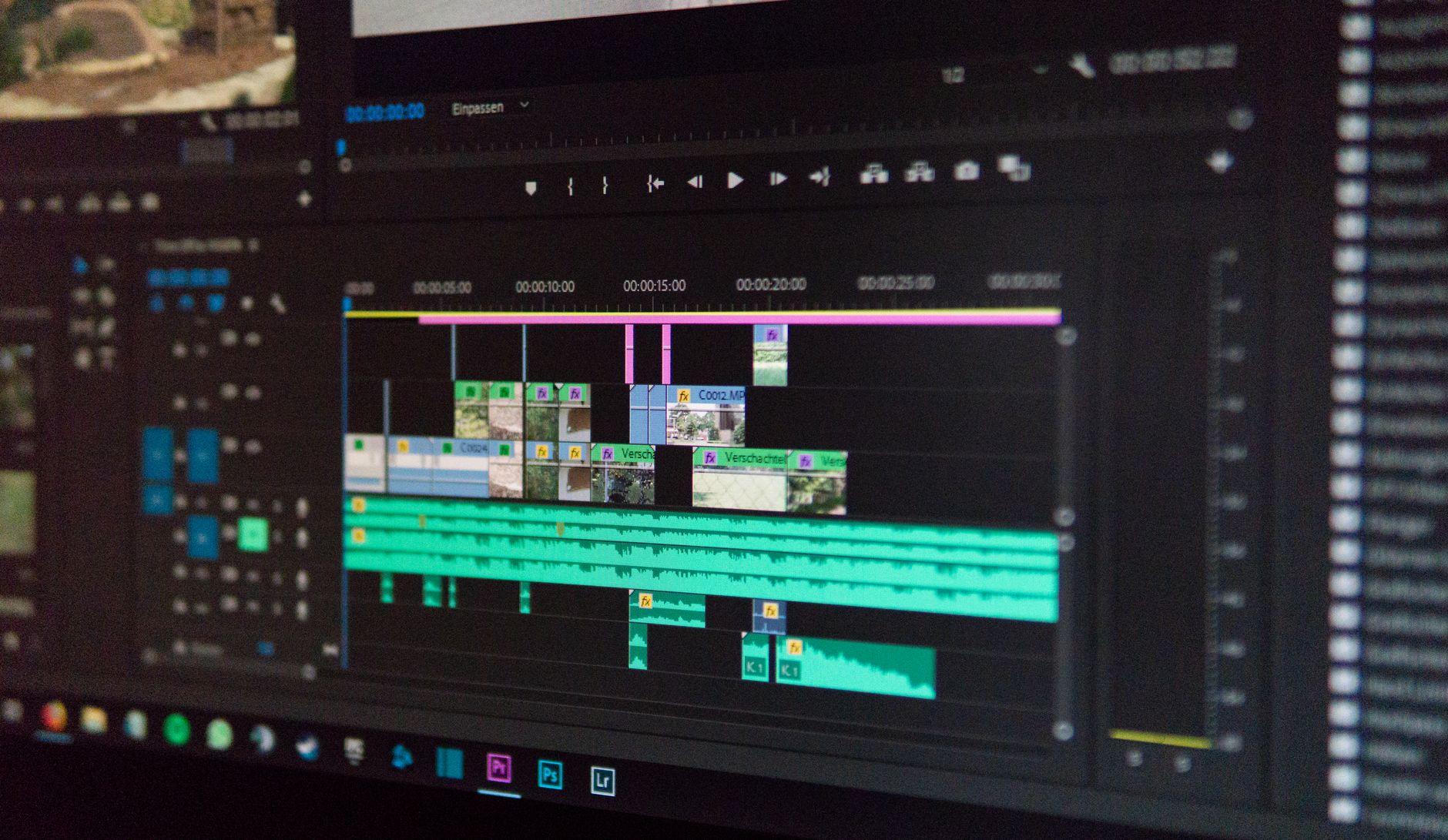
Careful planning and precise editing are key to dynamic fitness video content.
Which Tools and Software Are Best for Editing Fitness Video Content?
The best tools and software for editing fitness video content typically include industry-standard professional suites like Adobe Premiere Pro and DaVinci Resolve, which offer extensive features for detailed control. For those starting out or with simpler needs, user-friendly options such as Final Cut Pro (for Mac users), PowerDirector, or even mobile apps like CapCut and InShot provide accessible yet powerful editing capabilities.
Choosing the right editing software is a critical decision when you’re looking to refine your skills in how to edit fitness and workout videos. Each platform has its strengths and learning curve. Here’s a look at some popular options:
| Software | Best For | Key Features | Learning Curve |
|---|---|---|---|
| Adobe Premiere Pro | Professionals, comprehensive projects | Advanced editing, motion graphics, audio tools, extensive integrations | Moderate to Steep |
| DaVinci Resolve | Professionals, color grading focus | Industry-leading color correction, robust editing, Fusion for VFX, Fairlight for audio | Moderate to Steep |
| Final Cut Pro | Mac users, fast workflows | Intuitive interface, magnetic timeline, powerful organization, optimized for Apple hardware | Moderate |
| Filmora | Beginners, quick edits | User-friendly interface, drag-and-drop effects, templates, easy export | Low |
| CapCut (Mobile/Desktop) | Social media, quick edits | Free, powerful mobile features, popular on TikTok, auto-captions | Very Low |
✅ To significantly speed up your editing process, dedicate time to learning keyboard shortcuts for your chosen software. This small investment will save you hours in the long run, making you much more efficient at editing fitness and workout videos.
For most serious fitness professionals, investing in a robust desktop editor like Premiere Pro or DaVinci Resolve will yield the most professional results. These platforms allow for intricate control over every aspect of your video, from precise cuts to advanced color grading and complex motion graphics. However, if your primary distribution is social media and you need to churn out content quickly, mobile apps can be surprisingly powerful.
How Can You Optimize Pacing and Energy in Workout Video Edits?
Optimizing pacing and energy in workout video edits is achieved by using dynamic cut points that align with action or music beats, varying shot lengths to prevent monotony, and strategically incorporating B-roll footage. Additionally, employing fast-paced transitions and impactful sound design helps maintain viewer engagement, ensuring the video feels consistently energetic and motivating throughout the entire workout sequence.
The rhythm of your fitness video is just as important as the exercises themselves. A video that drags will lose viewers, while one that’s too frenetic can be disorienting. Here’s how to strike the perfect balance when you’re aiming to edit fitness and workout videos for maximum impact:
- Match Cuts to Action: Whenever an exercise starts, finishes, or changes, try to make a cut. This creates a natural rhythm and keeps the viewer engaged. For high-intensity exercises, use quicker cuts to amplify the feeling of speed and power.
- Beat Matching with Music: This is a powerful technique. Sync your cuts to the beat of your background music. This creates a subconscious connection for the viewer, making the workout feel more engaging and professional.
- Vary Shot Lengths: Avoid using clips of uniform length. Mix short, punchy clips with slightly longer ones for demonstration or breathing room. This variation prevents viewer fatigue and keeps the visual experience dynamic.
- Strategic B-Roll Integration: Use B-roll footage (e.g., close-ups of muscle engagement, sweat, equipment, or motivational shots of the environment) to break up longer segments of the main workout. This adds visual interest without interrupting the flow of the exercise.
- Transitions with Purpose: Don’t overuse flashy transitions. Simple cuts are often best, but dissolves can be used for slower transitions (e.g., between sets or exercises), and quick wipes or pushes can enhance the energy for rapid changes.
- Sound Design: Beyond music, consider adding subtle sound effects like grunts, heavy breathing (if natural and not distracting), or the clink of weights. These can heighten the authenticity and intensity of the workout.
⚠️ A common mistake is to let the music dictate the entire edit without considering the natural rhythm of the workout. Always prioritize the clarity and flow of the exercise demonstration over strictly adhering to a music beat if they conflict. The workout should lead the edit, not the other way around.
We believe that an effectively paced video can transform a good workout into an inspiring experience. Our expertise in crafting dynamic visual narratives is evident in our diverse see our portfolio, showcasing how we bring energy to every project.
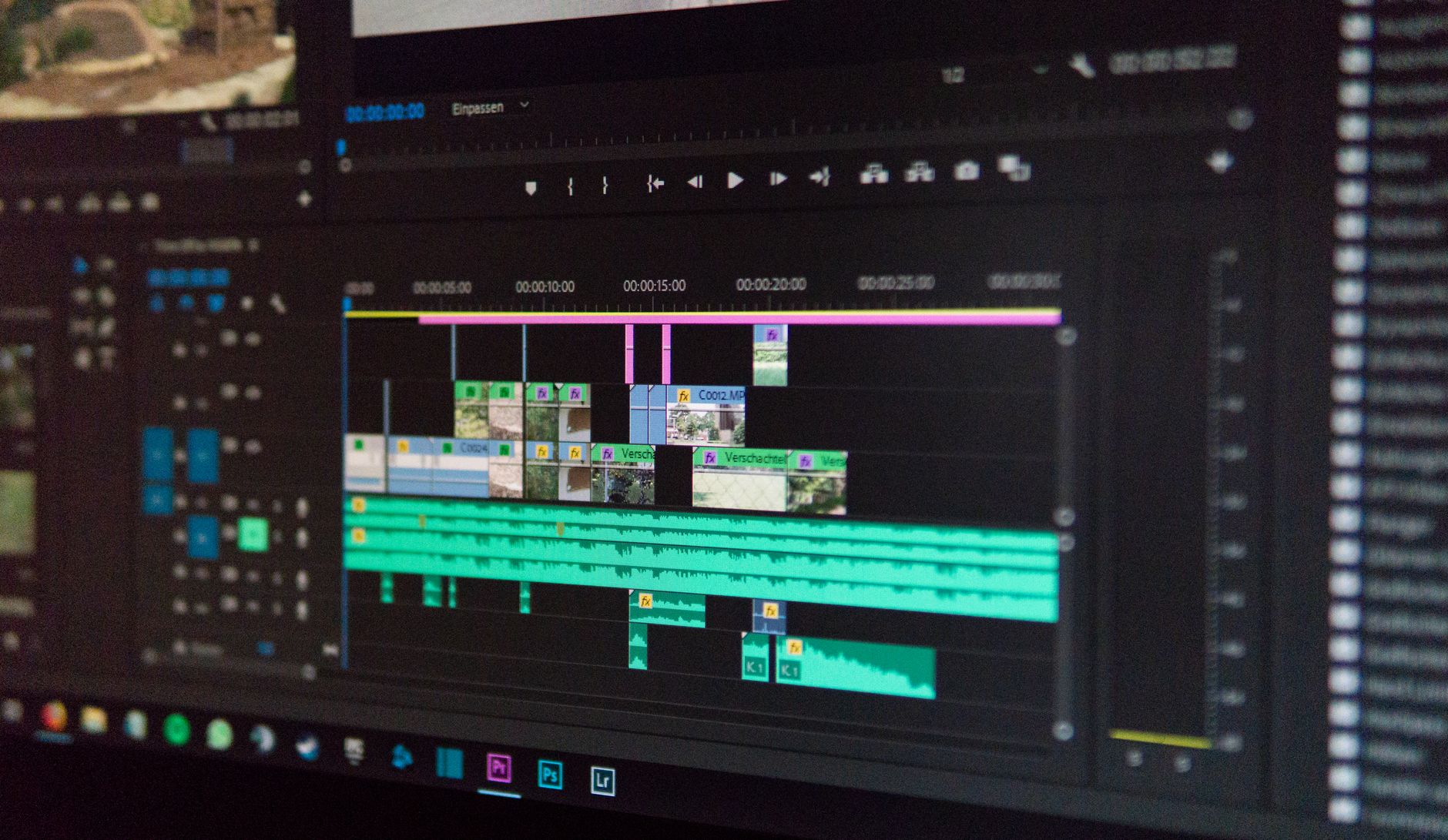
Dynamic cuts and strategic music choices elevate the energy of fitness videos.
What Advanced Techniques Elevate Fitness Videos from Good to Great?
Advanced techniques that truly elevate fitness videos include sophisticated motion graphics for stats and information, cinematic color grading to enhance mood and visual appeal, professional sound design with layered audio, and seamless multi-camera syncing for comprehensive views. These elements, when expertly applied, add a layer of polish and production value that captivates audiences and distinguishes content in a crowded digital space.
Once you’ve mastered the fundamentals of how to edit fitness and workout videos, it’s time to explore advanced techniques that will make your content truly shine. These aren’t just bells and whistles; they’re powerful tools for enhancing clarity, engagement, and overall production quality:
- Motion Graphics and Animated Text: Instead of static text, use animated lower thirds for exercise names, dynamic timers that count down reps or rest periods, or animated infographics to display workout stats or benefits. This adds a professional, modern feel and keeps information engaging.
- Cinematic Color Grading: Beyond basic color correction, cinematic color grading involves applying a specific visual style to your footage. This could mean a vibrant, energetic look, a cool, calming aesthetic for yoga, or a gritty, high-contrast style for intense training. Consistent color grading across all your videos builds brand recognition.
- Advanced Sound Design: This goes beyond just adding music. It involves layering ambient sounds (e.g., gym atmosphere, nature sounds), subtle sound effects for impacts or transitions, and meticulous mixing to ensure dialogue, music, and effects all sit perfectly in the audio landscape.
- Multi-Camera Editing: If you’re shooting with multiple cameras (e.g., one wide shot, one close-up of form), mastering multi-camera editing is essential. This allows you to seamlessly switch between angles, providing a comprehensive view of the exercise and keeping the visual experience fresh.
- Speed Ramping and Time Remapping: Use speed ramping to dramatically slow down or speed up specific moments within a clip. This is excellent for highlighting proper form, showing a powerful movement in slow-motion, or quickly transitioning between different parts of a workout.
- Visual Effects (VFX): While not always necessary for fitness, subtle VFX like screen overlays (e.g., heart rate monitors, calorie counters), lens flares, or even green screen effects for virtual backgrounds can add a unique flair.
💡 Implementing advanced techniques like professional motion graphics for workout stats or dynamic speed ramping can significantly increase viewer retention and the perceived value of your fitness content, making it truly stand out.
Incorporating these advanced techniques can be time-consuming and requires specialized software knowledge. If you’re looking for professional-grade results without the steep learning curve, exploring transparent pricing for Motion Edges’ advanced video editing services might be your next best step.
Why Should You Consider Professional Help for Editing Your Fitness Videos?
You should consider professional help for editing your fitness videos because it saves invaluable time, guarantees a high-quality, polished final product, leverages expert storytelling techniques, and allows you to focus on your core competency of training and content creation. Professional editors bring specialized skills, advanced tools, and an objective eye to elevate your brand’s visual presence and maximize audience engagement.
For many fitness professionals, the thought of learning how to edit fitness and workout videos from scratch, or spending countless hours in front of a computer, is daunting. While DIY is an option, there are compelling reasons to entrust your video editing to specialists like our team at Motion Edges:
- Time Savings: Editing is incredibly time-consuming. Outsourcing frees up your schedule to focus on what you do best: training clients, developing new programs, and creating raw content. Your time is valuable, and professional editing can be a significant return on investment.
- Expertise and Quality: Professional editors possess a deep understanding of visual storytelling, pacing, color theory, and sound design. They know how to make your footage look and sound its best, ensuring a polished, consistent, and high-quality output that reflects positively on your brand.
- Access to Advanced Tools and Techniques: Professionals use industry-standard software and have the skills to implement advanced techniques like intricate motion graphics, cinematic color grading, and complex multi-camera edits that might be beyond the scope of an amateur editor.
- Objective Perspective: As the creator, it’s easy to be too close to your own content. A professional editor offers an objective viewpoint, identifying areas for improvement and ensuring the video resonates with your target audience.
- Consistency and Brand Identity: Professional editors can help maintain a consistent visual style and brand identity across all your video content, which is crucial for building recognition and trust with your audience.
- Faster Turnaround: With dedicated resources and optimized workflows, professional agencies can often deliver high-quality edited videos much faster than an individual working alone.
⚠️ Relying solely on basic in-app filters and auto-edits for your fitness videos can lead to generic, unpolished content that fails to capture attention. While convenient, these tools often lack the nuanced control needed to truly make your workout videos shine and convey a strong brand identity.
Ultimately, investing in professional video editing isn’t just about saving time; it’s about investing in the quality and impact of your brand. If you’re ready to elevate your fitness content and focus on your passion, don’t hesitate to get in touch with our team to discuss your project needs.
How long does it typically take to edit a 5-minute fitness video?
For a professional editor, a 5-minute fitness video can take anywhere from 10 to 25 hours to edit, depending on the complexity (e.g., motion graphics, multiple camera angles, extensive sound design, and revision rounds). Simple edits with minimal effects might be quicker, but quality often requires dedicated time.
What resolution should I shoot my workout videos in for the best results?
For the best results, you should aim to shoot your workout videos in at least 1080p (Full HD). However, shooting in 4K (Ultra HD) is highly recommended if your camera and storage allow. 4K provides more flexibility for cropping and reframing in post-production without losing quality, ensuring your content is future-proof.
Can I use copyrighted music in my fitness videos?
No, you generally cannot use copyrighted music in your fitness videos without proper licensing. Doing so can lead to copyright strikes, video removal, or even legal action. Always use royalty-free music from reputable libraries, or purchase licenses for commercial music to avoid issues.
How important is sound quality in fitness content?
Sound quality is incredibly important in fitness content, often as crucial as video quality. Clear audio for instructions and an engaging music track significantly enhance the viewer’s experience. Poor sound can distract and frustrate viewers, making your content seem unprofessional and potentially causing them to disengage.
What’s the difference between a rough cut and a final cut in video editing?
A rough cut is an early version of the video where clips are assembled in sequence, focusing on the basic story and flow without much attention to fine details like precise timing, transitions, or color. A final cut, on the other hand, is the fully polished version of the video, complete with all necessary edits, sound design, color grading, graphics, and any revisions, ready for export and distribution.
Mastering how to edit fitness and workout videos is an ongoing journey that combines technical skill with creative vision. Whether you’re just starting or looking to refine your craft, the principles of clear communication, dynamic pacing, and high-quality production remain paramount. By applying the techniques and insights discussed, you can transform your raw footage into engaging, motivating content that inspires action and builds your brand. If the complexities of video editing seem overwhelming, remember that our team at Motion Edges is here to help you achieve professional results, allowing you to focus on your passion for fitness.
Ready to Elevate Your Video Content?
Motion Edges delivers professional video editing that drives engagement and growth. Our dedicated editors learn your style and deliver consistently polished content.
Related Services from Motion Edges
- Talking Head Video Editing in Los Angeles — clean cuts, captions, and b-roll for YouTube creators
- Talking Head Video Editing in Austin — 48-hour delivery, professional results
- View All Video Editing Services