- Why Post-Production Makes or Breaks a Wedding Film
- Wedding Videography Editing Tips: Start With the Audio
- Colour Grading: Creating a Consistent, Cinematic Look
- Pacing and Structure: Telling the Story Properly
- Technical Tips That Separate Amateur Edits From Professional Ones
- When to Outsource Your Wedding Film Editing
- Final Thoughts on Wedding Videography Editing Tips
Wedding Videography Editing Tips for Stunning, Emotional Films
Great wedding videography editing tips can be the difference between a forgettable recording and a film that makes the couple cry happy tears every anniversary. Shooting the day is only half the job , what happens in the edit suite is where the real magic gets made. At Motion Edges, we’ve colour-graded, cut, and delivered hundreds of wedding films, and in this guide we’re sharing the exact techniques our editors use to turn raw footage into cinematic memories that last a lifetime.
Why Post-Production Makes or Breaks a Wedding Film
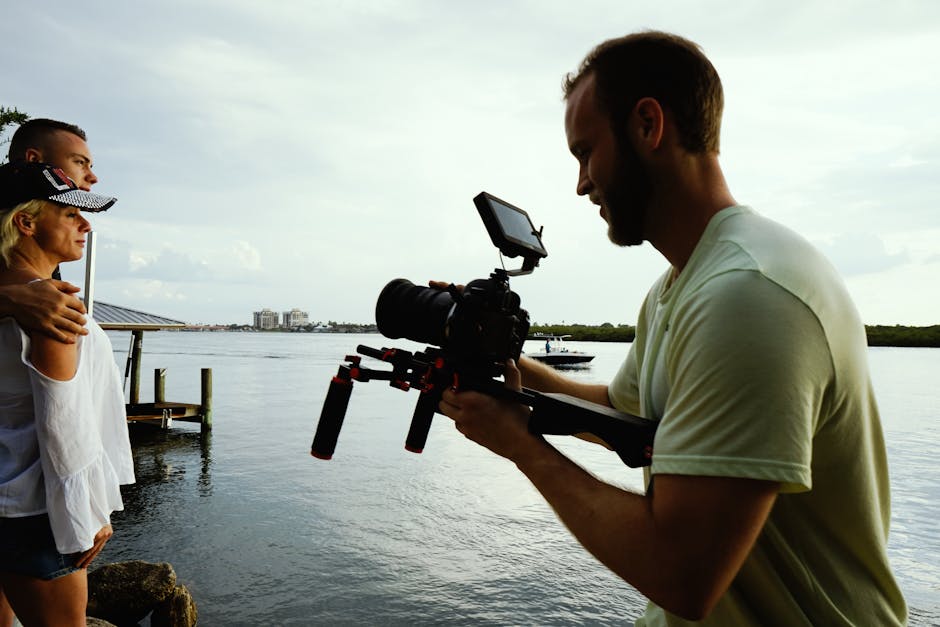
Couples invest thousands in their wedding day. They hire talented photographers, book beautiful venues, and choose the perfect dress. Yet a surprisingly large number of wedding videos still feel flat, rushed, or emotionally disconnected , not because the footage was bad, but because the editing wasn’t given the time and craft it deserves.
Strong editing shapes the narrative, controls the emotional pace, and turns scattered clips from multiple cameras into one cohesive story. It’s storytelling through sequencing, sound, colour, and rhythm. If you’re a videographer looking to elevate your finished product , or a couple trying to understand what separates a good video from a great one , these tips will give you a clear picture of what professional post-production actually involves.
If you’d rather hand this work to specialists, our team at Motion Edges’ video editing services handles wedding film post-production end-to-end, so you can focus on shooting more weddings.
Wedding Videography Editing Tips: Start With the Audio
Before you touch a single video clip, build your audio timeline. This is the single most impactful habit professional wedding editors develop early. The vows, the speeches, the “I dos” , these are the emotional spine of the film. Every visual decision you make should serve the audio, not the other way around.
Sync Multiple Audio Sources First
Wedding videographers typically record audio from a lapel mic on the groom, a camera-mounted mic, and sometimes a dedicated audio recorder near the officiant. Sync all of these tracks before you begin cutting. Tools like PluralEyes or the auto-sync feature in DaVinci Resolve make this fast. Once synced, select the cleanest track for each moment , lapel mics are usually clearest for the vows, while a room mic might capture the ambient laughter of a speech better.
Clean Up Before You Cut
Run your dialogue tracks through a noise reduction plugin , iZotope RX is the industry standard. Remove air conditioning hum, wind noise from outdoor ceremonies, and the low rumble that almost every venue seems to carry. Clean audio makes music sit better in the mix and keeps viewers emotionally engaged without distraction.
Choose Music That Matches the Couple’s Story
Music selection is deeply personal. Spend time understanding the couple’s taste before you even open your editing software. A couple who danced to indie folk at their reception will feel disconnected watching their highlight reel set to cinematic orchestral swells. Use licensed music from platforms like Musicbed or Artlist, and build your edit to the natural peaks and breaks within each track. Let the music breathe , don’t fight it.
Colour Grading: Creating a Consistent, Cinematic Look
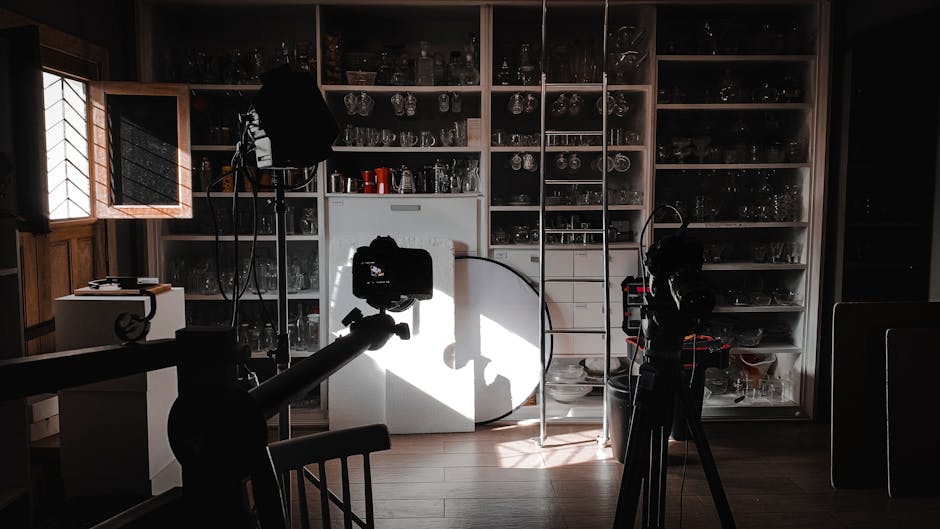
Colour grading is where a wedding film gets its visual identity. Done well, it feels invisible , the footage simply looks beautiful and consistent. Done poorly, it draws attention to itself and feels amateur. Here’s how to approach it with intent.
Shoot in a Log Profile and Grade Up
If you’re shooting on a Sony, Canon, Fujifilm, or Blackmagic camera, use the log or flat picture profile available on your body. Log footage looks washed out on screen but contains far more dynamic range for grading. Start by applying a LUT (Look Up Table) as a starting point, then manually adjust exposure, white balance, lift, and saturation to match your creative vision.
Match Cameras Before You Grade
Most weddings are shot with at least two cameras. Before applying any creative grade, use a colour checker or manual adjustments to match both cameras so the same scene looks consistent regardless of the angle shown. Nothing pulls a viewer out of the moment like a jarring colour shift mid-scene.
Use a Warm, Skin-Flattering Grade for Ceremonies
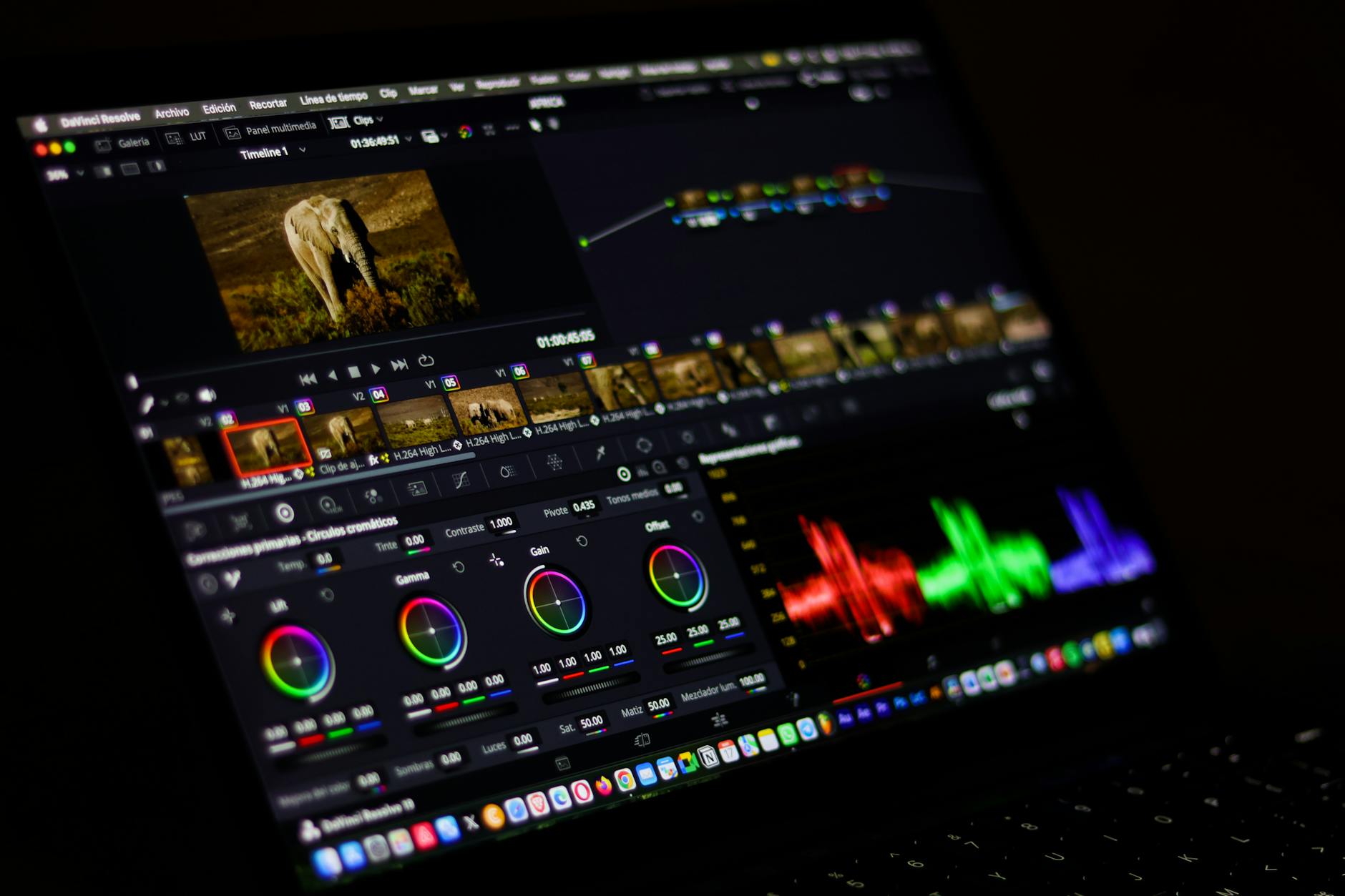
Ceremonies tend to look best with warm, slightly golden tones , especially for golden hour or candlelit church settings. Preserve skin tones carefully using the HSL (Hue, Saturation, Luminance) panel in DaVinci Resolve or Premiere Pro. Avoid oversaturating reds and oranges, which are already present in skin and can look unnatural quickly.
At Motion Edges, our colour grading process is one of the most requested parts of our professional editing service. You can also see the visual style we apply across different wedding styles in our portfolio.
Pacing and Structure: Telling the Story Properly
Pacing is the heartbeat of your wedding film. Cut too fast, and you lose intimacy. Cut too slow, and you lose attention. The best wedding films breathe , they give emotional moments room to land before moving forward.
Structure Your Film Like a Three-Act Story
Act one is anticipation: getting ready, arriving at the venue, the quiet nerves before the ceremony begins. Act two is the ceremony itself , the walk down the aisle, the vows, the first kiss. Act three is celebration: speeches, first dance, reception energy, and a closing moment that feels like an emotional resolution. Even a five-minute highlight film benefits from this arc.
Use B-Roll Purposefully, Not as Filler
B-roll , the detail shots of flowers, rings, shoes, décor , should serve an editorial purpose. Cut to a close-up of hands during the ring exchange to add intimacy. Show the bride’s shoes before the processional to build anticipation. Don’t scatter b-roll randomly across the timeline just to fill gaps. Every cut should have a reason.
Let Silence and Stillness Breathe
Resist the urge to cut constantly. Some of the most powerful moments in a wedding film are a two-second hold on a groom’s face as he sees his partner for the first time, or a slow push into the couple during their first dance. Give your audience a moment to feel before moving to the next shot.
Technical Tips That Separate Amateur Edits From Professional Ones
Beyond the creative craft, several technical habits keep your delivery clean and professional.
Export at the Right Settings
For most wedding film deliveries, export at H.264 or H.265 in 4K (if shot in 4K) at a high enough bitrate to maintain quality , typically 80,120 Mbps for a master file. Deliver a compressed web version for online sharing and a full-quality file for the couple’s archive. Always include a master file they can keep permanently.
Use Proxies for Smooth Editing
4K footage from modern mirrorless cameras can choke even capable editing machines. Create proxy files at 1/4 or 1/2 resolution before you start cutting, then relink to the originals before export. This keeps your workflow fast and your creative energy high rather than spent waiting for playback to buffer.
Deliver in Chapters Where Possible
Many couples love having their wedding film broken into chapters , getting ready, ceremony, speeches, first dance , in addition to the full highlight film. This makes it easy to revisit specific moments years later. It’s a small touch that feels premium and thoughtful.
When to Outsource Your Wedding Film Editing
Even skilled videographers have bandwidth limits. If you’re shooting multiple weddings a month, the editing backlog can become overwhelming , and rushed edits show. Outsourcing to a dedicated post-production team allows you to maintain quality, meet deadlines, and take on more clients without burning out.
Our team at Motion Edges works with solo videographers, studios, and production companies across the UK and internationally. We handle everything from rough cut assembly through to final colour-graded, mixed, and exported delivery. See our transparent pricing to find a plan that fits your workflow.
Final Thoughts on Wedding Videography Editing Tips
The best wedding films are built on a foundation of strong audio, intentional colour, purposeful pacing, and technical precision. These wedding videography editing tips aren’t shortcuts , they’re habits that take time to internalise but produce consistently better results once they become second nature.
Whether you’re a wedding videographer looking to sharpen your post-production craft or a couple curious about what makes certain films feel so special, the answer is almost always in the edit. The raw footage is the material , editing is the craftsmanship.
Ready to take your wedding films to the next level? Get in touch with the Motion Edges team for a no-obligation quote. We’d love to see your footage and show you what’s possible.